Essential Question: How can I take high quality photos that will enhance my project and help me reach the goal of having a high level of craftsmanship?
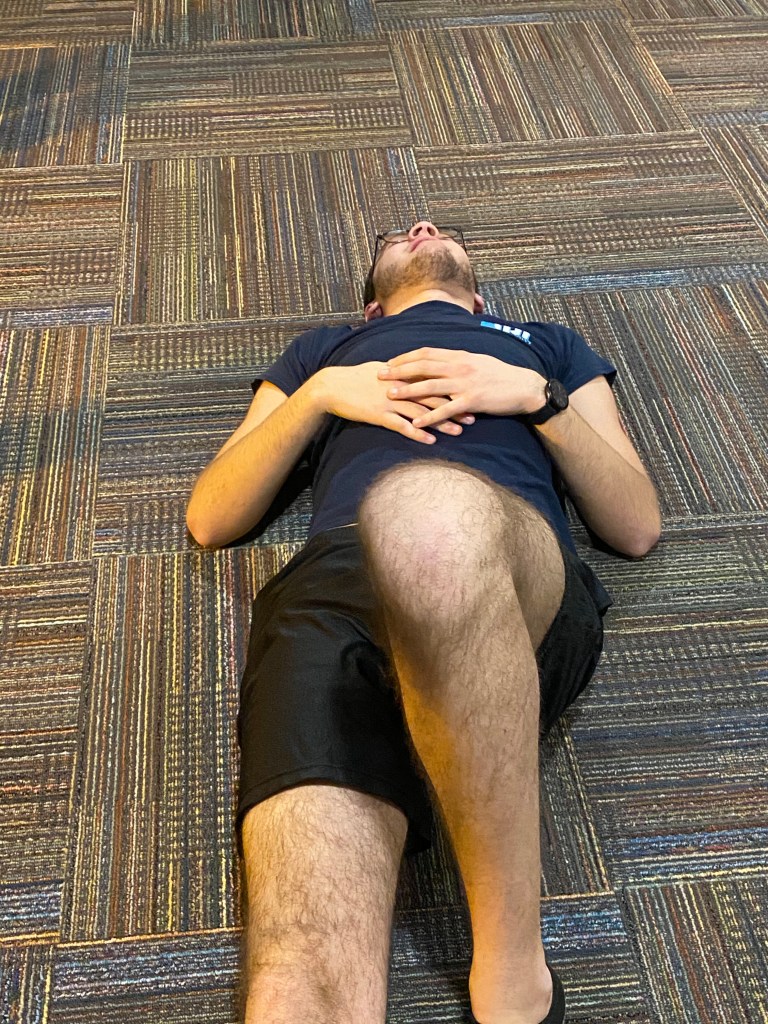
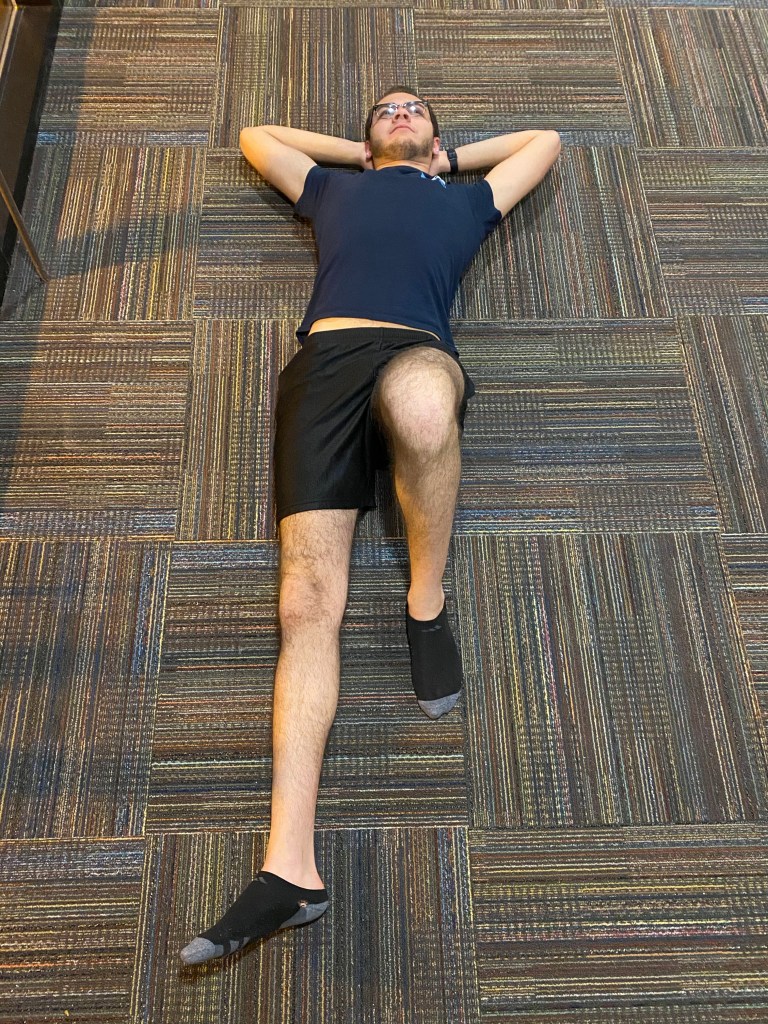
Today we will take photos for our Illustrative Photography project of either ourselves or our friend. The model will pose similarly to how they did in our sketch. If needed, we will then use Photoshop to edit the background of our image to create a solid background to successfully draw on top of. When we are finished, we will bring our final photo into Procreate on the iPad and begin our illustration
Photography Examples:
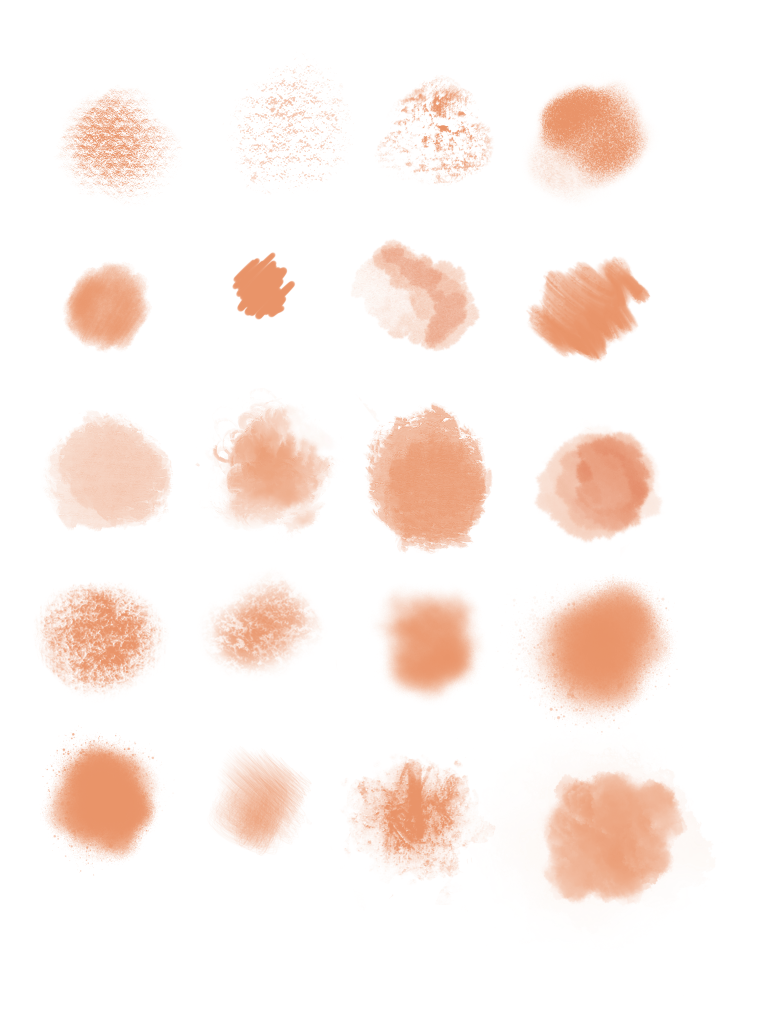
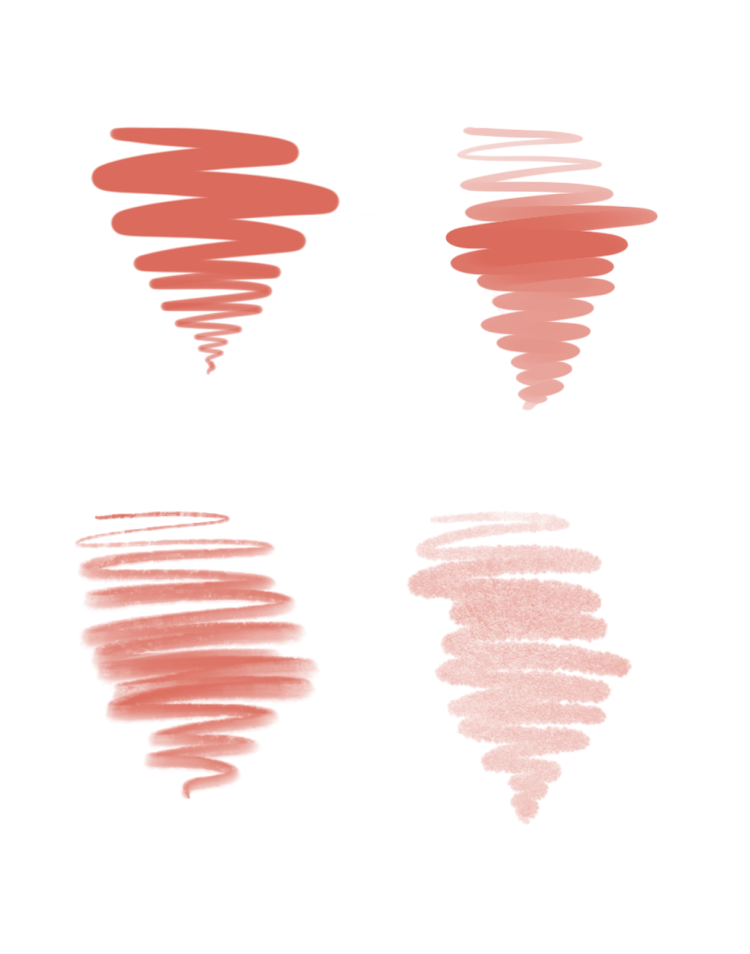
Using Procreate:


Today we will:
- Take photos of either ourselves or a friend in the pose we need for our illustration
- Use Photoshop to edit the background of the image to make sure we have a nice surface to draw on top of.
- When our final photo is ready, we will bring our photo into procreate on the iPad and begin our illustration.
- Create a blog post showing both your finished photo, as well as your progress in Photoshop and/or Procreate. Be sure to answer the following questions:
- Why did you choose the photo you chose?
- How did you use Photoshop to enhance your photo?
- How will you continue to create your illustration in Procreate?
 Ms. Manhardt's Blog